Benefits

Network CNCs, PLCs & Robots
Connect all your manufacturing equipment in one network using industry standard hardware, including Ethernet and Wireless serial device servers, traditional card based hardware, and existing legacy hardware.

Works with your files
Whether you set up your first DNC system or you replace an existing, the DNC application you choose must be compatible with your data. DNC-Max eliminates the need to update all your existing NC programs.

Access programs immediately
With DNC-Max there is no waiting. All your machines can download programs at the same time.

Download programs remotely
Reduce downtime from walking programs out to the shopfloor. Initiate downloads of part programs directly from the machine’s CNC control, from any modern mobile device or using a Barcode reader.

Ease of use and administration
File transfers, port monitoring and system administration are all performed in a clean, intuitive client/server interface which is part of the system’s intelligent, solution driven design.

A scalable solution
DNC-Max scales with your company. Upgrade with integrated manufacturing file management (CIMCO NC-Base/MDM) and manufacturing data collection & machine monitoring (CIMCO MDC-Max).
Features
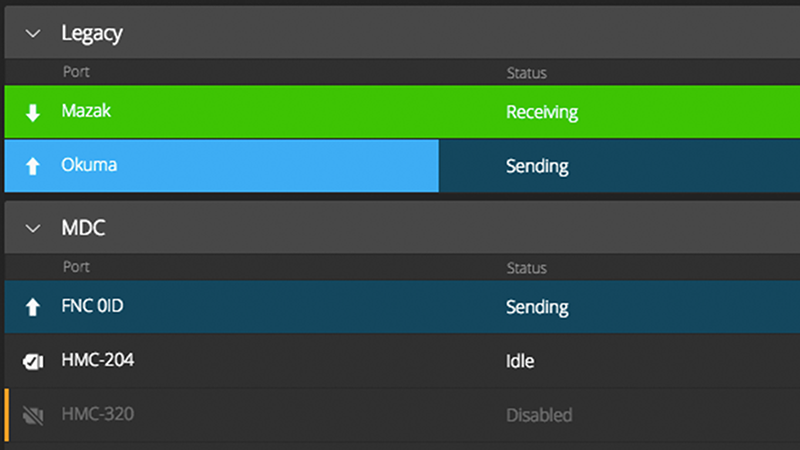
Ports, status and organization
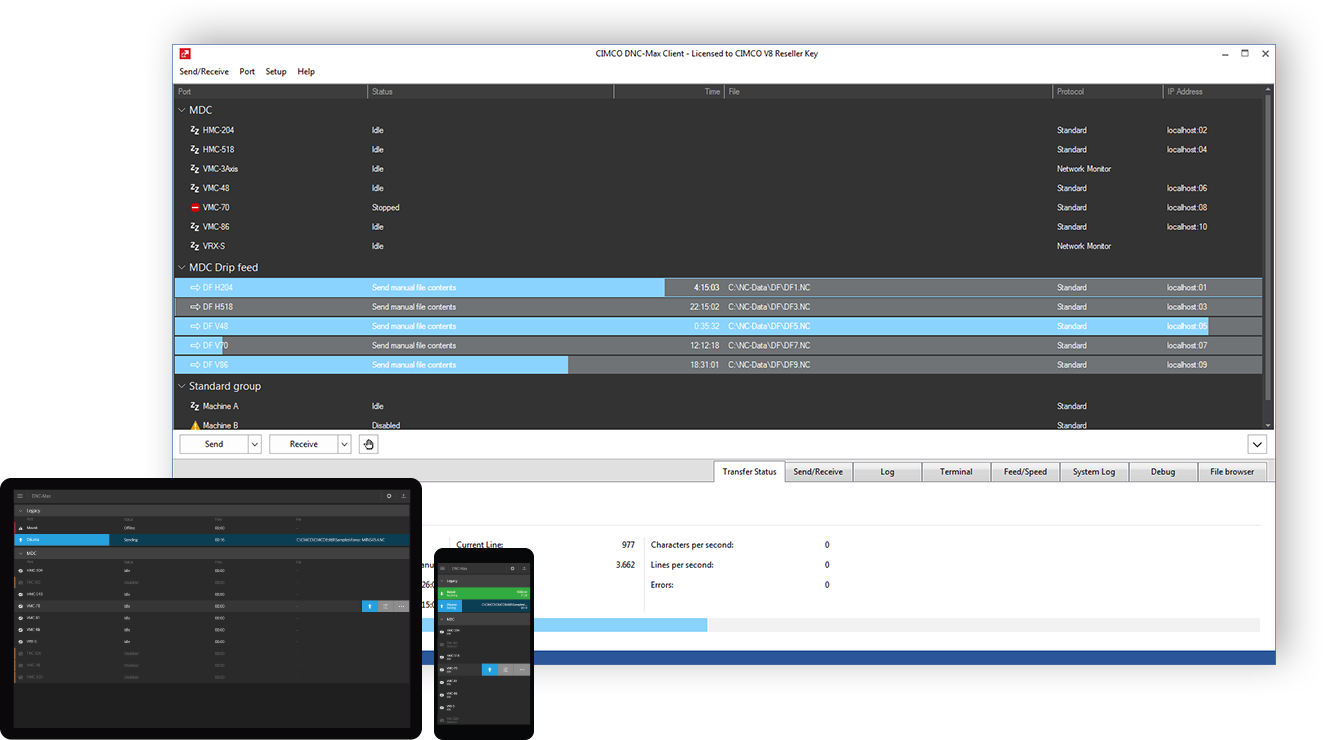
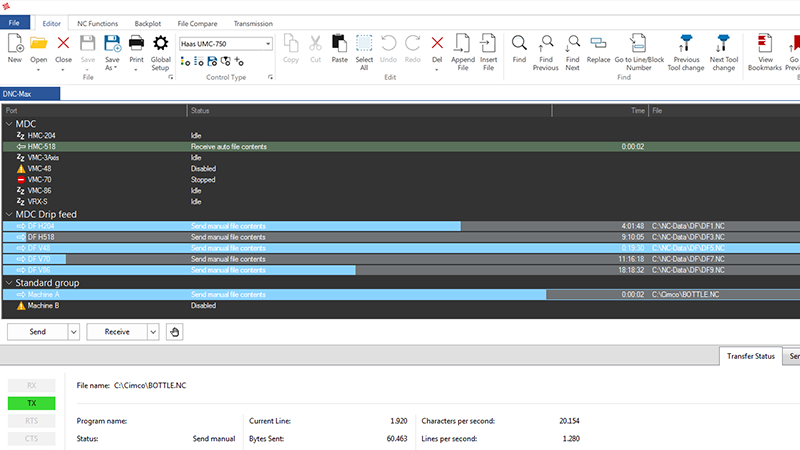
Ports are used to define machine connections and shows the current port and machine status. Organize ports in groups for optimal overview.
Network protocols
Supports both standard and specialized network protocols to communicate with most manufacturing equipment. Mazak, Deckel, Agie, Fagor, Brother, Modbus, and many more.
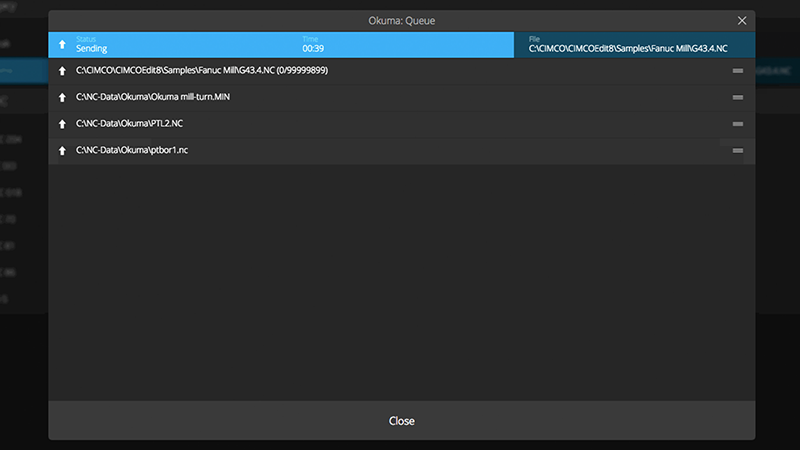
Send, receive and dripfeed
The Send Queue ensures that files are transferred sequentially. Advanced options available for unlimited filesize dripfeeding if supported by CNC.
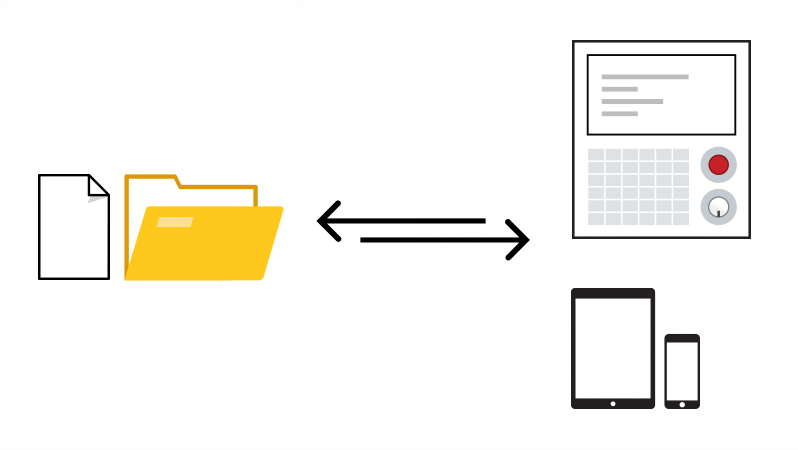
Remote request
Request programs directly from the CNC control or mobile device. Supports DNC restart and file looping, directory support, directory prioritization, filters, wildcards, and more.
Versioning
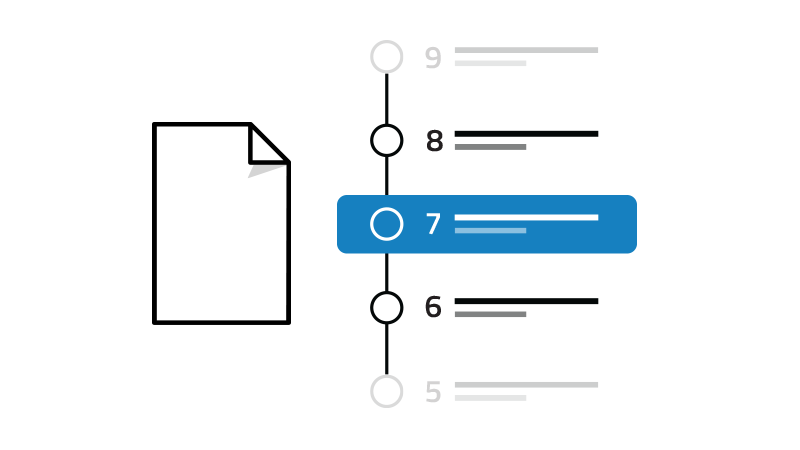
Programs that are modified on the CNC control (or elsewhere) can be raised in version and stored in a quarantine area for review. Easily track changes and revert to previous versions.

User access control
Control the level of access for users on both the DNC-Max Server and Clients. Limit configuration and control options to key personnel.
Logging and notifications
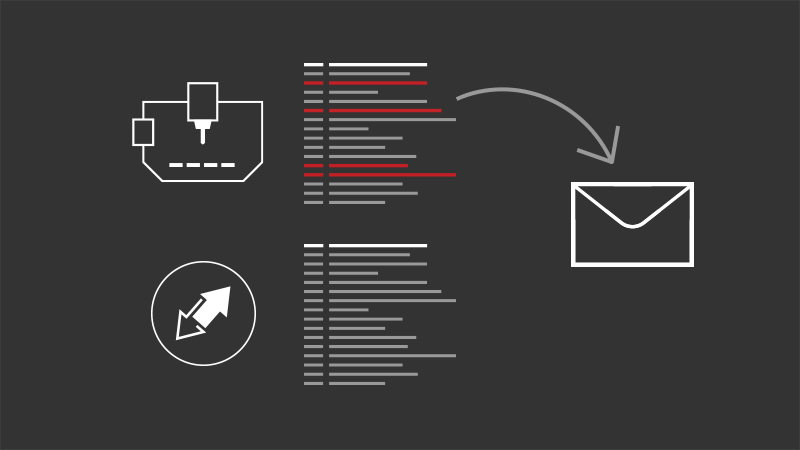
Real-time logging of DNC system and machine activity. Send status reports and notifications directly to CNC operators and key personnel.
CNC and hardware compatibility
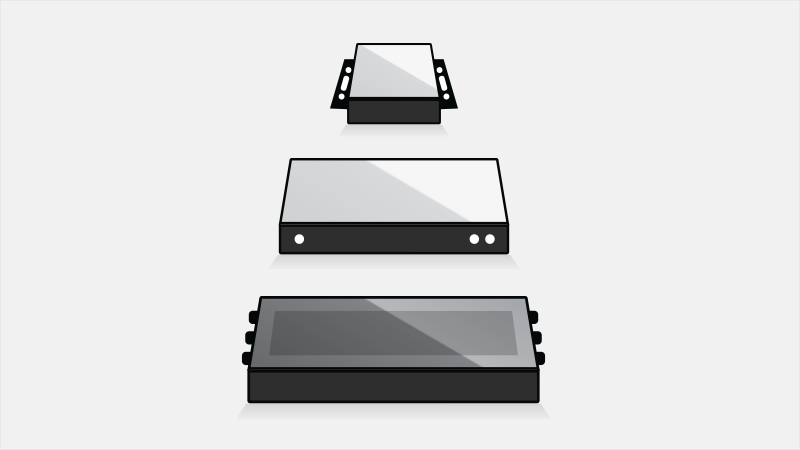
Works with industry standard RS-232 serial hardware, Ethernet and Wireless serial device servers, traditional card based hardware, and existing legacy hardware.
Integration with CIMCO Edit
In addition to the stand-alone PC and Web Client, DNC-Max is also available as an add-on for CIMCO Edit providing a seamlessly integrated application interface.
| System components |
|---|
|
Dedicated Windows-based client
The DNC-Max PC Client is the application used for local/remote file transfers, port monitoring and management. Access multiple DNC-Max Servers across a LAN, WAN or the Internet.
|
|
Modern Web Client
The DNC-Max Web Client is a modern, browser-based application that works on mobile, tablet, desktop and TV. Supports local/remote file transfers, file preview and port organization.
|
|
Robust and reliable server
The DNC-Max server supports up to 4000 simultaneous ports per server. Users can choose to run the Server as a service in the background or as an application.
|
|
Single server or distributed solution
Depending on requirements, client and server can be installed on the same PC or multiple dedicated servers with thousands of clients accessing the servers across facilities.
|
|
License Server Support
Floating licenses allows you the flexibility of licensing only the exact number of applications needed for your unique system configuration.
|
| Compatibility and updates |
|---|
|
Compatible with your CNCs
In addition to standard Fanuc/Haas style controls DNC-Max includes comprehensive support for Heidenhain, Mazak, Fagor, and many others.
|
|
Compatible with your files
Whether you set up your first system or replace an existing, the DNC application you choose must be compatible with your data. DNC-Max eliminates the need to update all your existing programs.
|
|
Compatible with standard hardware
Works with industry standard RS-232 serial communications hardware, including Ethernet and Wireless serial device servers, traditional card based hardware, and existing legacy hardware.
|
|
+1500 point releases
Unlike any other DNC product, DNC-Max has been consistently improved over the past decade to meet increasing customer requirements. More than 1500 point releases since version 4.
|
| Ports and network protocols |
|---|
|
Most network protocols supported
DNC-Max supports a near complete range of both standard and specialized network protocols to communicate with most manufacturing equipment, including Heidenhain, Mazak, Deckel, Agie, Fagor, Brother, Modbus, MQTT, and many more.
|
|
Predefined and custom port templates
Add new ports to your DNC system by selecting from a large set of predefined machine port templates or create your own.
|
|
Port status and organization
The DNC-Max clients present a tree-view of your available ports with clear status indications. Organize ports in groups and sub-groups for optimal overview.
|
|
Port configuration across servers
Manage multiple servers from the DNC-Max Client across LAN, WAN, and Internet. Add, remove, configure or migrate ports, while server(s) are running.
|
|
Parametric system configuration
System variables and settings are utilized for rapid installation, configuration, and on-going system maintenance. Changes persist through-out the entire system.
|
| File transfers |
|---|
|
Send, receive and dripfeed programs
Select a port, program file(s) and click Send. Files are added to the Queue and transferred sequentially. Advanced options for unlimited filesize dripfeeding if supported by CNC.
|
|
Transfer from line/block or tool change
Transfer from any point in a program. From line/block number or tool change. Tool changes, feedrate and spindle speed are monitored to ensure that correct tool and feed/speed is used. Supports mid-program restart in cases such as after tool breaks.
|
|
Auto-receive and naming
Configure and automate naming conventions and directories where incomming (received) files should be saved to.
|
|
Parameter offsets
DNC-Max enables you to offset parameters in your NC program before it is sent to the machine. Specify your offset values and DNC-Max will automatically update your program.
|
|
Supports FTP file transfers
Full support for communicating directly with machines that support Ethernet TCP/IP FTP transfers.
|
| Remote request |
|---|
|
Remote request
Remote request programs from the CNC control or mobile device using the DNC-Max Web Client. Supports DNC restart and file looping, extensive directory and sub-directory support, directory prioritization, filters, and wildcards.
|
|
Barcode reader support
Request the correct program files efficiently at the machine by scanning barcodes. Helps avoid typing mistakes, confusion and saves time.
|
| Security, logging, versioning |
|---|
|
User access control
Control the level of access users have on both server and client level limiting configuration and control options to key personnel.
|
|
Logging and notifications
Real-time logging of DNC system and machine activity, and the ability to send status reports and notifications directly to CNC operators.
|
|
Versioning
Programs that have been changed by an operator can automatically be raised in version or stored in a quarantine area. Easily track changes and revert to previous versions.
|